
0回表示 · 0回ダウンロード
Office secretary outfit
ダウンロード
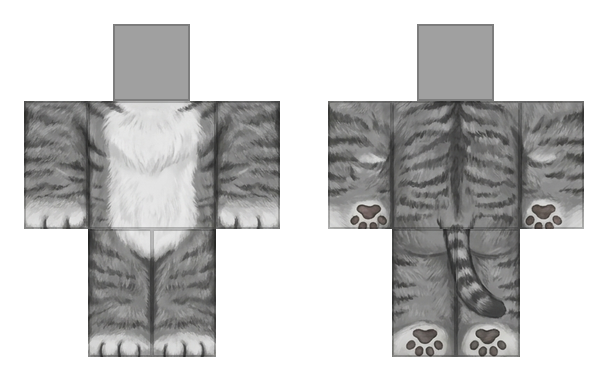
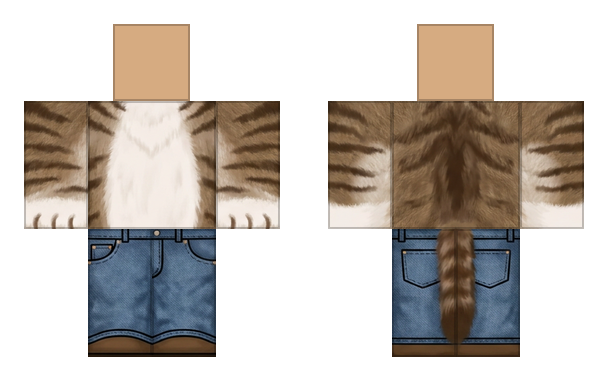
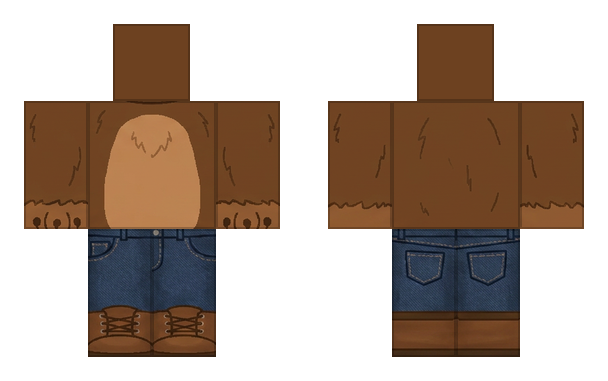
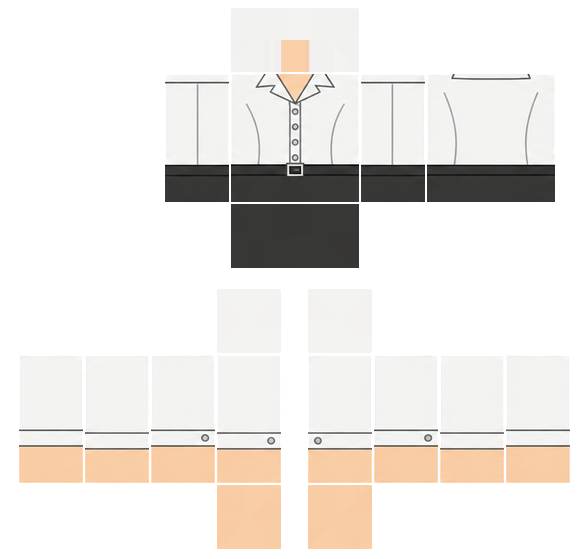
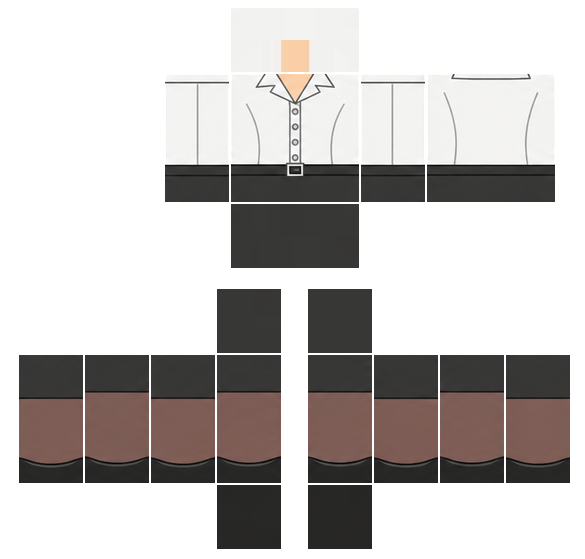
Robloxのクラシックテンプレート形式のPNGが2枚。片方だけでも両方でもアップロードできるよ。
Robloxで着る方法
- 1クリエイターハブを開いて、Avatar Items → Classicsに進もう。
- 2シャツ、パンツ、Tシャツのどれかを選んで、ここからダウンロードした対応するPNGをアップロードしよう。
- 3名前をつけてアップロード料金を払おう:1アイテムにつき80 Robux。
- 4Robloxの審査が終わったら、インベントリで見つけて着てみよう。
アップロードには本人確認済みのRobloxアカウントが必要だよ。アイテムを販売するにはPlusかPremiumが必要。
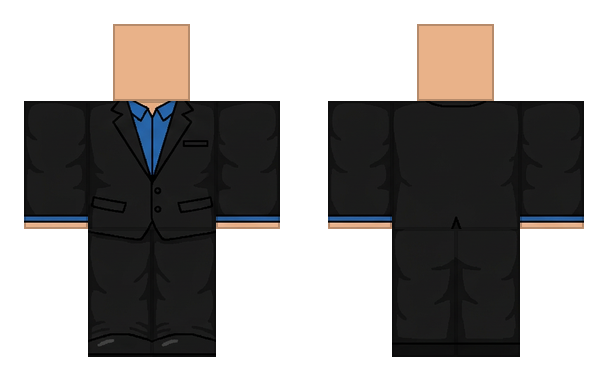
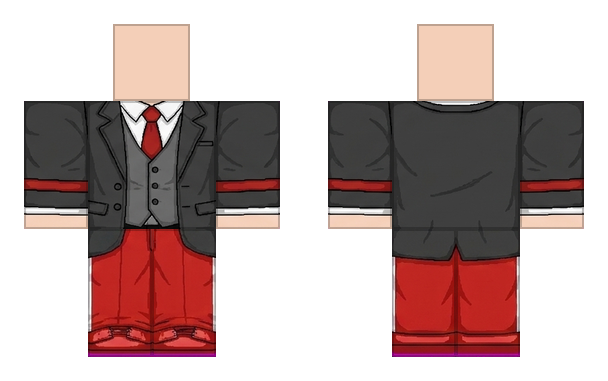
Front shows a white collared button-up shirt with a column of buttons, a black belt with a silver buckle, black upper trousers, and brown lower trousers with black cuffs. Back shows the same white shirt with faint seam lines, a dark waistband, and the matching brown and black trousers.
コメント 0
まだコメントはないよ。最初のコメントを書こう。