
 Hot
0 views · 0 downloads
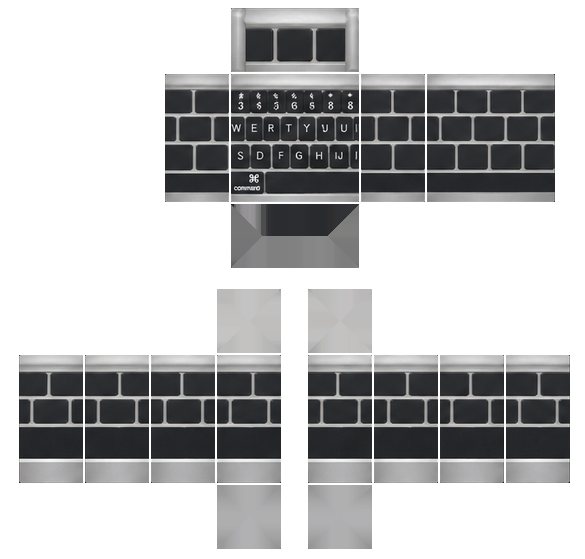
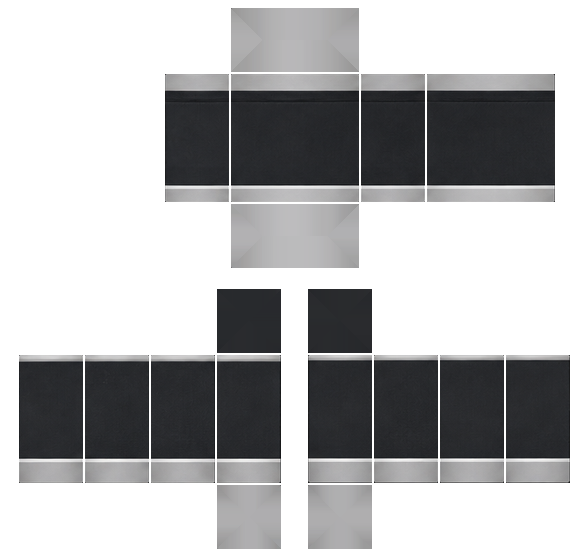
Outfit with keyboard pattern
Remix it
Start from this outfit and change it in words. You get a new outfit of your own; this one stays as it is.
RemixDownload
Two PNGs in Roblox's classic template. Upload either or both.
How to wear it in Roblox
- 1Open Creator Hub and go to Avatar Items → Classics.
- 2Choose Shirt, Pants or T-Shirt, and upload the matching PNG from here.
- 3Give it a name and pay the upload fee: 80 Robux per item.
- 4Once Roblox has reviewed it, find it in your inventory and put it on.
Uploading needs an ID-verified Roblox account. Selling items needs Plus or Premium.
The front torso is a black keyboard with silver edges, showing a function row with symbols, QWERTY letter rows, and a command-key space bar. The back shows plain rows of black keys on a silver-edged torso, with black pants and silver cuffs at the bottom.
Categories
Comments 0
No comments yet. Be the first.